Free app for iPhone and Android
Your console, on any server
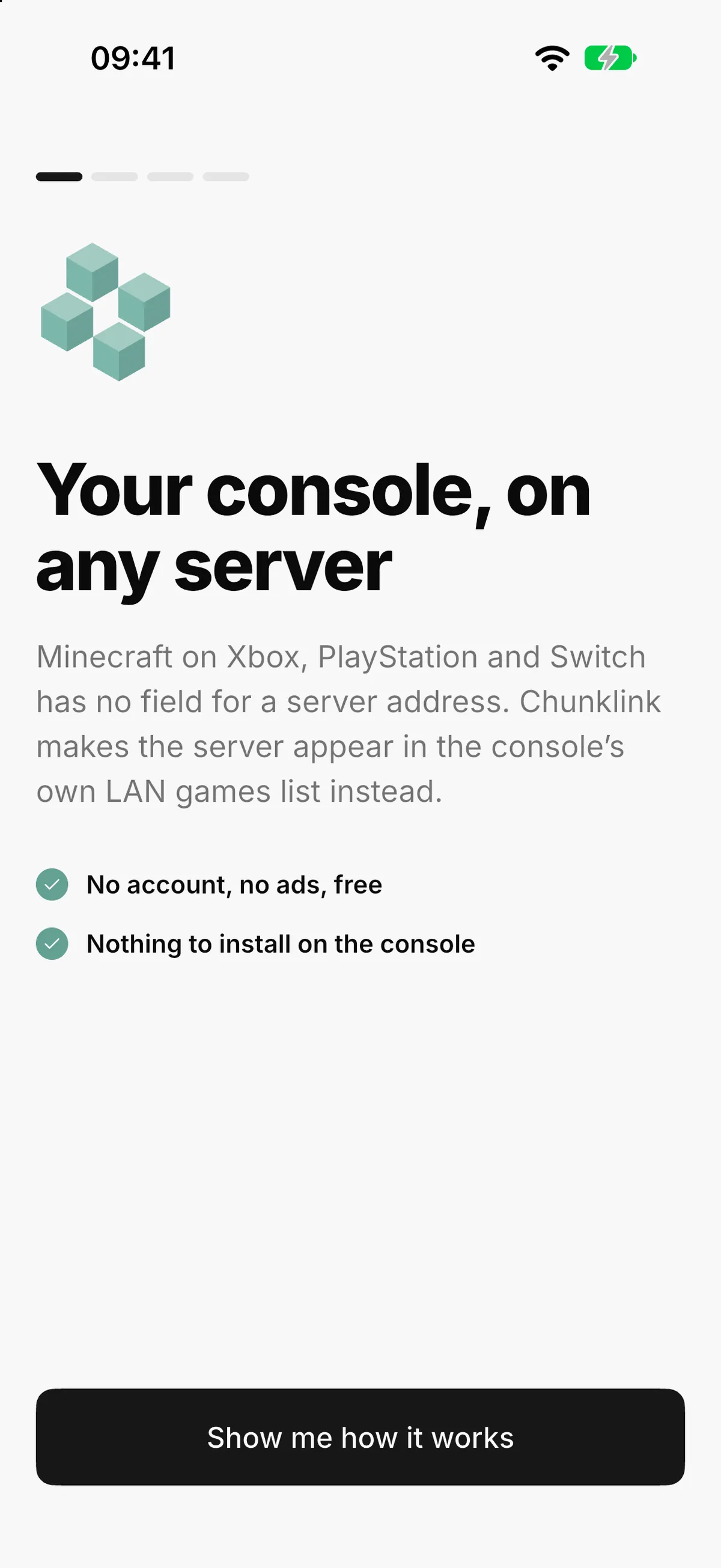
Your console can't type a server address. Your phone can. Chunklink puts any Bedrock server in the LAN games list of your Xbox, PlayStation or Switch.

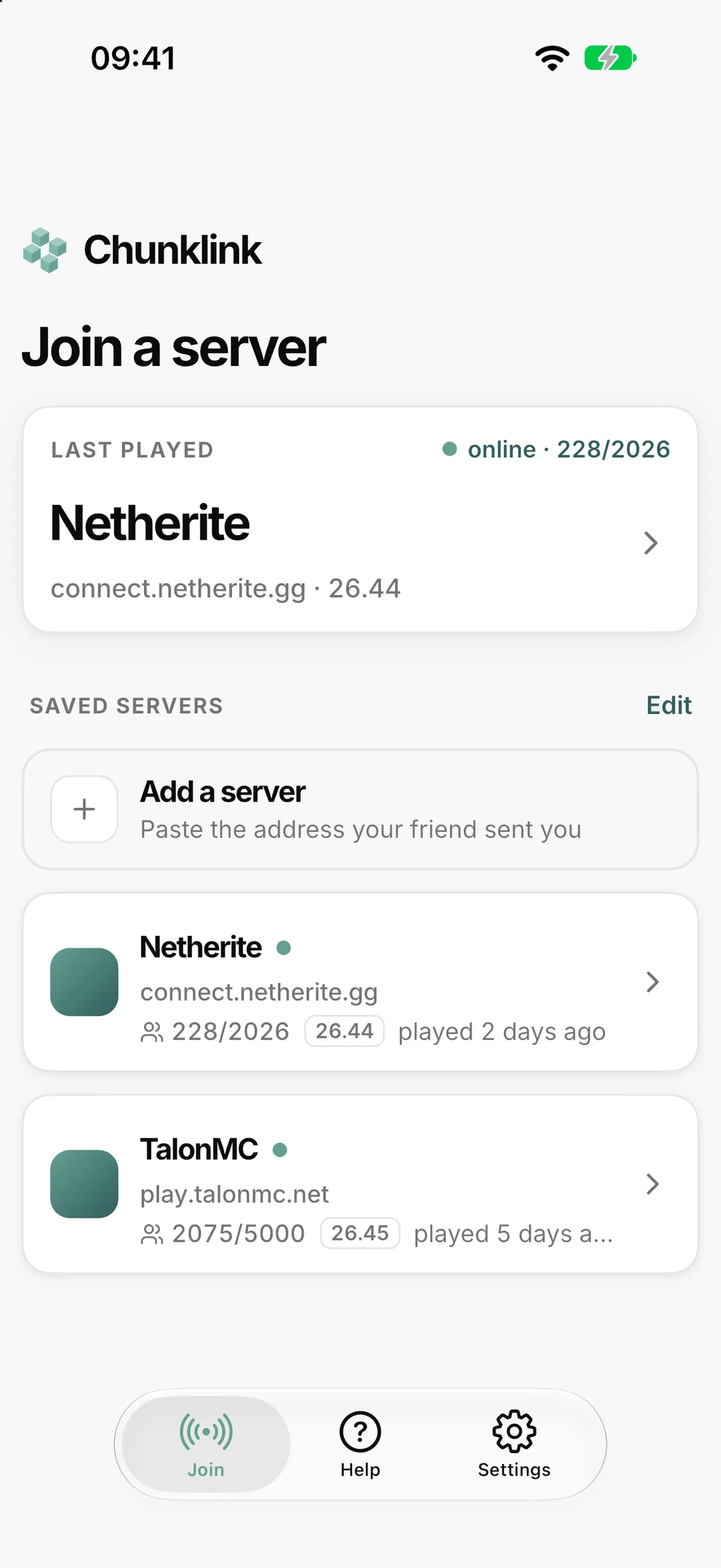
A look at the app
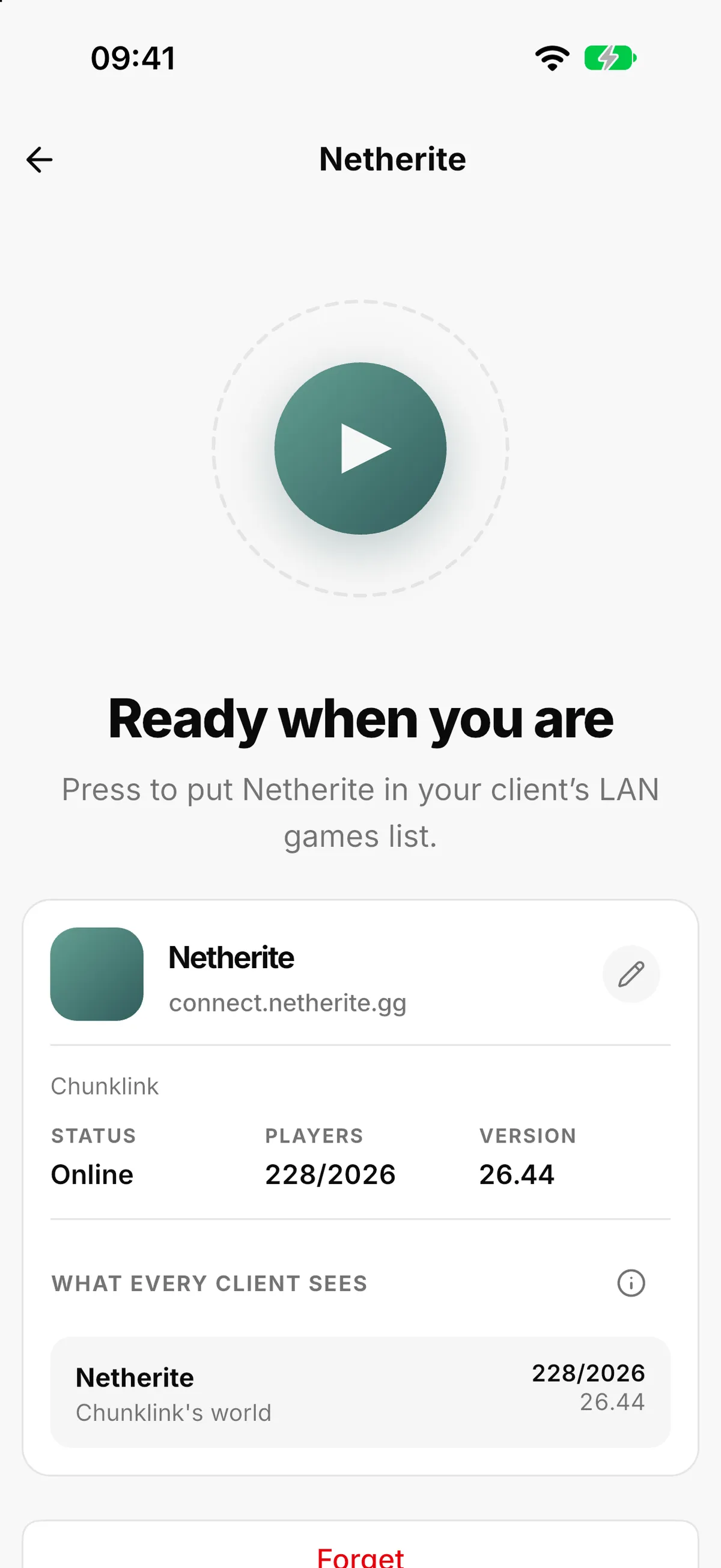
How it works
- 1
Add a server. Paste the address a friend sent you, or start with one of the two the app comes with.
- 2
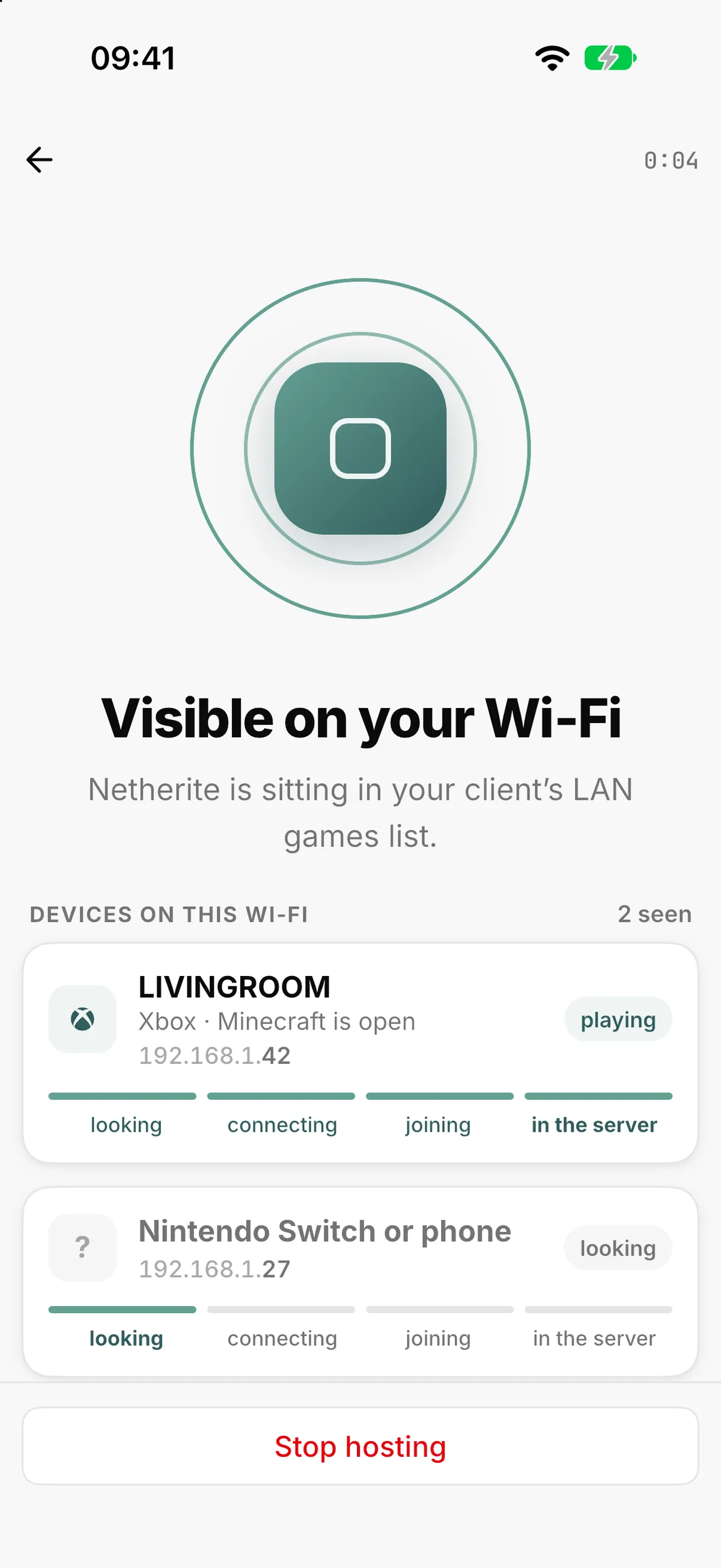
Press start. Your phone announces the server on your Wi-Fi.
- 3
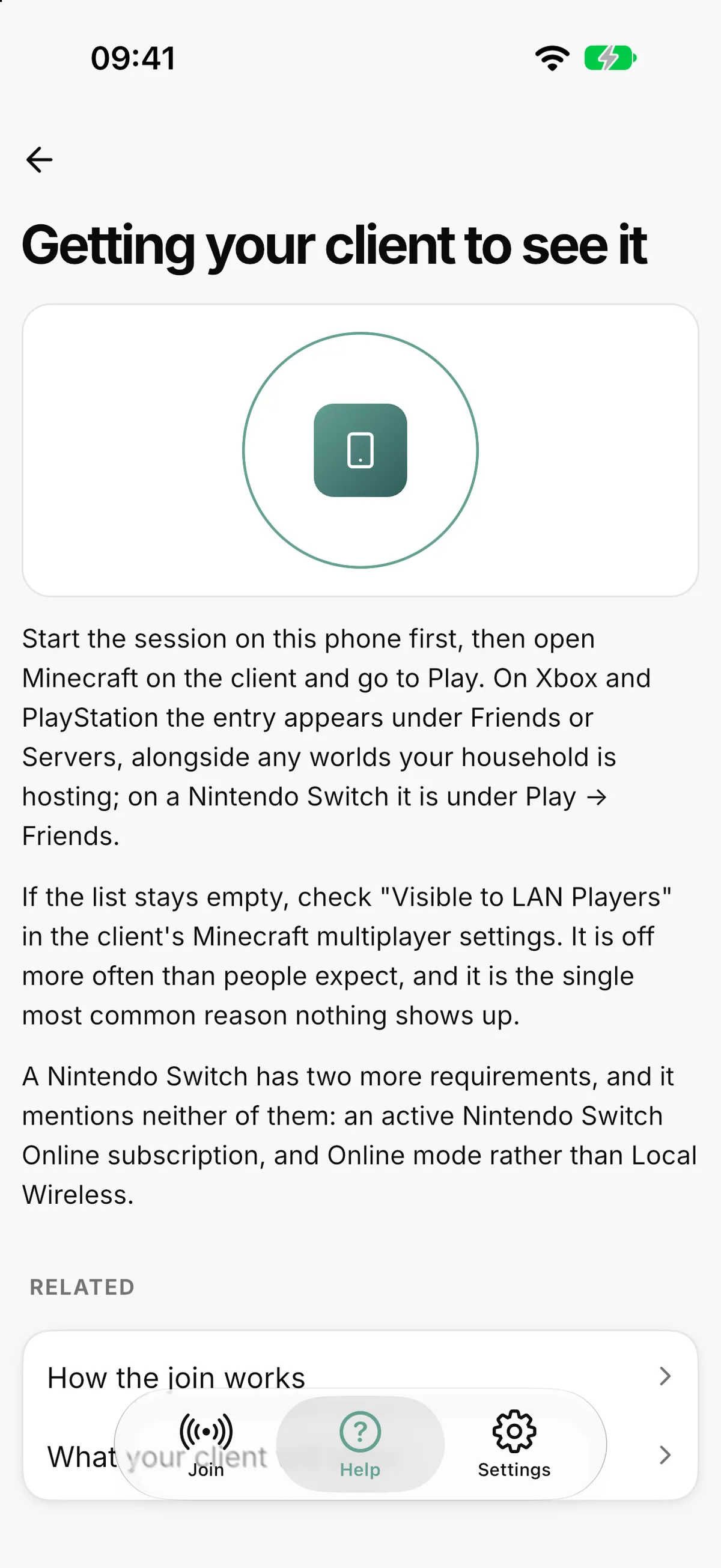
On the console, open Minecraft and go to Play → Friends. The server is there under LAN Games, with its real name.
- 4
Join. The console connects to the server directly, and once everyone is in you can put the phone away.
Nothing to install on the console, nothing to change on it, no DNS tricks.
Get the app
Free on the App Store and Google Play. Type the address once, and your console does the rest.
Free. No account. No ads.
Ready to Start Your Server?
Start with 3 free days: no credit card, no commitment. Hosted in Germany, ready tonight.
- Hosted in Germany
- GDPR-compliant
- Automatic backups